Edit the text inside
image-only PDFs
Scanned contracts, photographed forms, PDFs exported as pictures: the text is just pixels, so ordinary PDF editors can't change it. Click a line, type, and the app redraws it in the same font, size and ink color as the scan.
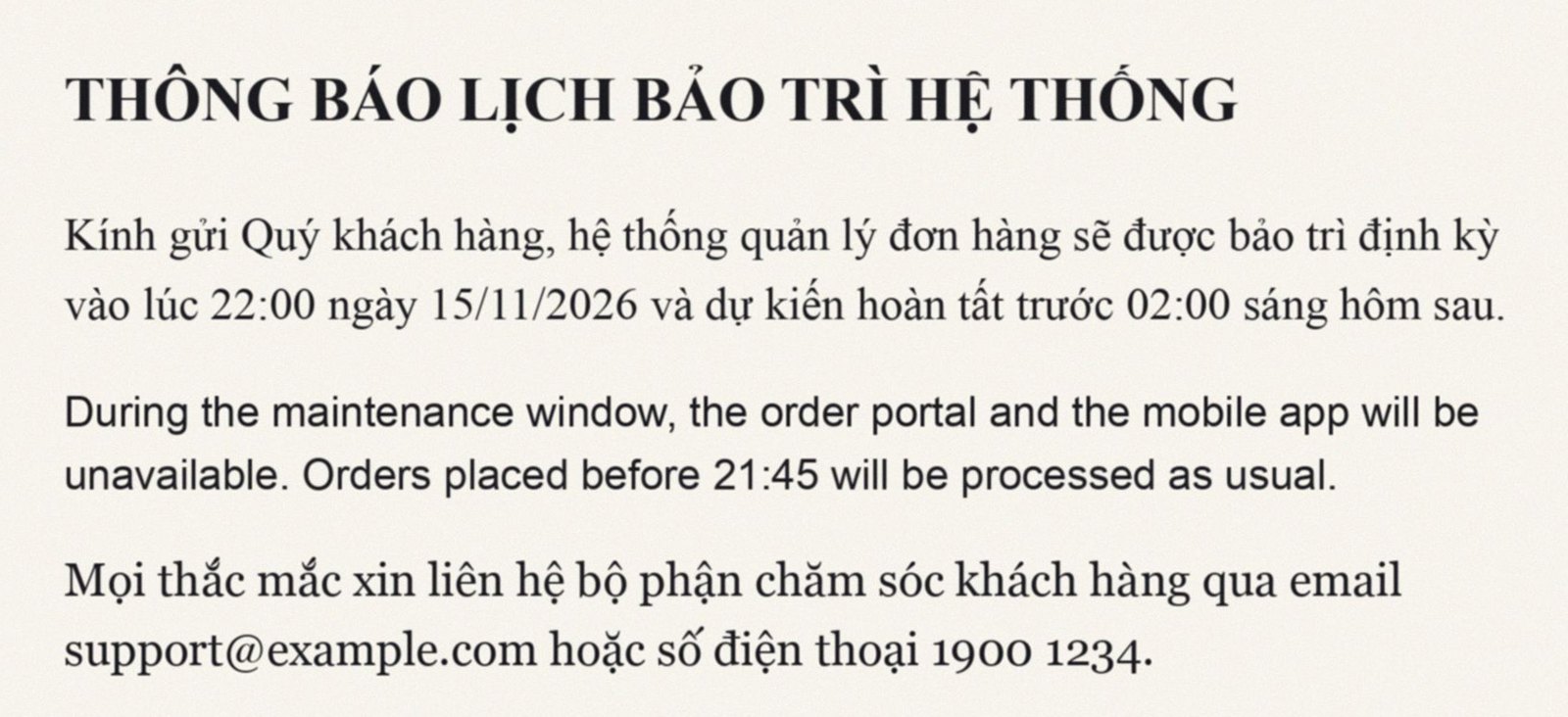
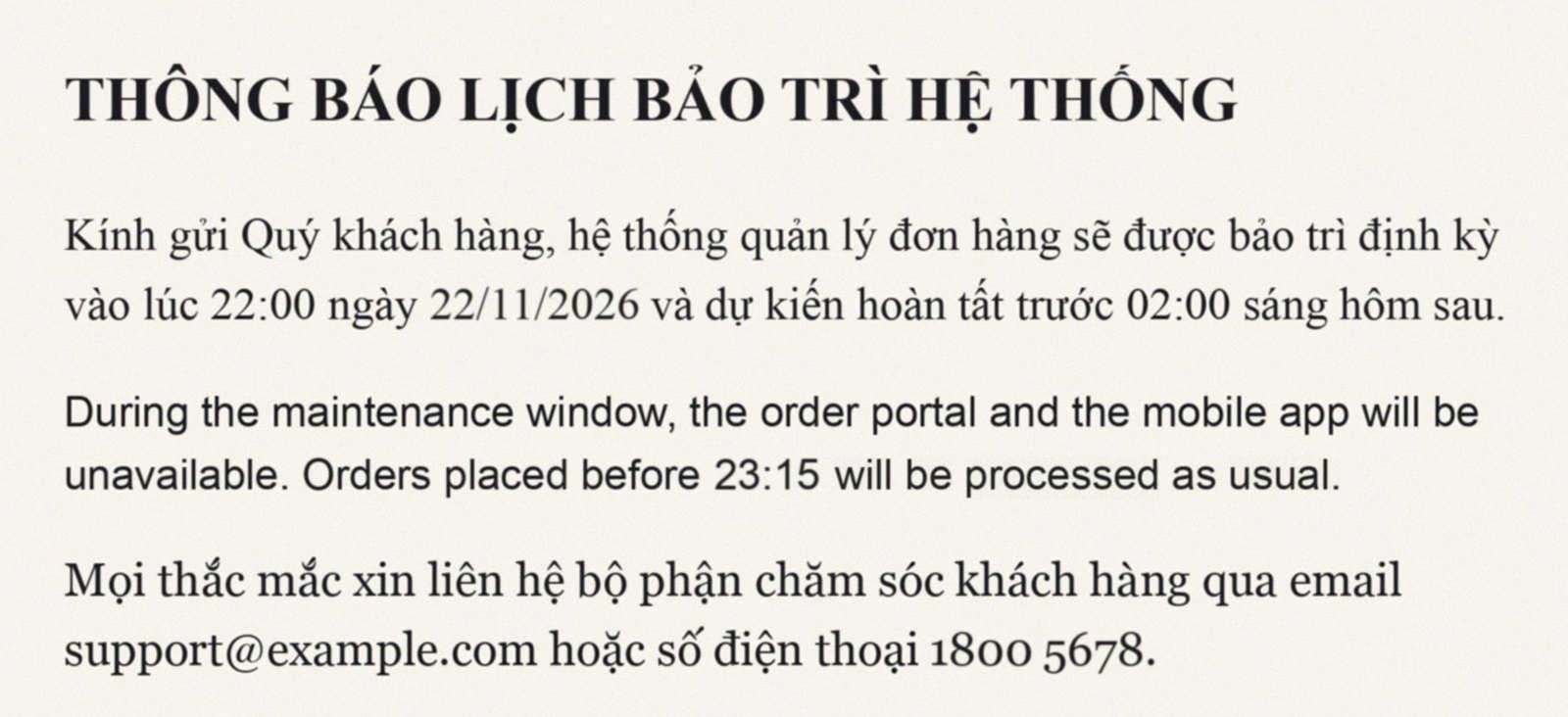
Text in an image is just pixels. We make it editable again.
Ordinary PDF editors only change real text layers. Scans, photos and PDFs saved as images don't have one, so their text is locked.
Ordinary PDF editors
- Can't select or change text inside an image
- Workaround: cover it with a white box and type on top
- New text in a different font and color stands out
AaAIPdfGod
- Click any line of text, even inside an image
- Old words are erased and the paper texture restored
- New text redrawn in the detected font, size and ink color
Three steps, no design skills needed
No guessing fonts, no retouching letters one by one in a graphics app.
Upload an image-only PDF
Pages are straightened and every line of text in the image is recognized.
Click the line to edit
See the detected font, size and ink color. Type the new text and press Enter.
Download the edited file
Edited pages are rebuilt into a PDF; other pages stay exactly as they were.
Every word compared against 26 office typefaces
Each word in the image is redrawn in every font and compared stroke by stroke. The closest match wins, with a similarity score so you can check it.
Only changed words are redrawn
Untouched words keep their original scanned strokes. The rest of the line just shifts to fit the new text.
Keeps the scanned look
Ink color, blur, stroke weight and paper grain are measured from the image, so new text doesn't look cleaner than the old.
Vietnamese and English
Recognizes and redraws Vietnamese, with all its accents, and English on the same page.
Compare with the original
Hold a button to see the original page. One click restores the whole page if you change your mind.
One plan, billed yearly
Edit as much as you like first. You only need the yearly plan to download edited files.
Free trial
See if it works for your files
- Unlimited uploads and text recognition
- Edit right in your browser
- See detected fonts and match scores
- Download edited PDFs
Pro
For people who edit and export files regularly
- Everything in the free trial
- Download edited PDFs, unlimited files
- Invoices in your account, view and print anytime
- Renewals stack, so no days are lost
Frequently asked questions
Why can't normal PDF editors change this text?
In a scanned or image-only PDF, the page is a picture. There are no letters to select, only pixels. This app reads the text from the image, erases the words you change and draws new ones that match the original.
Which fonts are supported?
Currently 7 common office font families (Times New Roman, Arial, Georgia, Verdana, Tahoma, Trebuchet MS, Courier New) in regular, bold and italic. Contact us if you need another font.
Which document languages are supported?
Text recognition currently supports documents in English and Vietnamese. The website itself is available in several languages.
How do I pay for the yearly plan?
Create an account and contact us. You'll receive a 80.00 USD invoice on your Account page, and the plan is activated as soon as payment is confirmed.
Can blurry or skewed scans be edited?
Slightly skewed pages are straightened automatically. The clearer the image, the more accurate the text and font recognition. If a word is misread, just retype it in the edit box.
Try it now with the built-in sample file
Creating an account takes less than a minute. No card required.
Create a free account